
The Creator Portal
The Creator Portal is your workspace. On the web it is under the profile menu, at web.guidez.app/profile. On mobile it is under Saved, then Created by me.
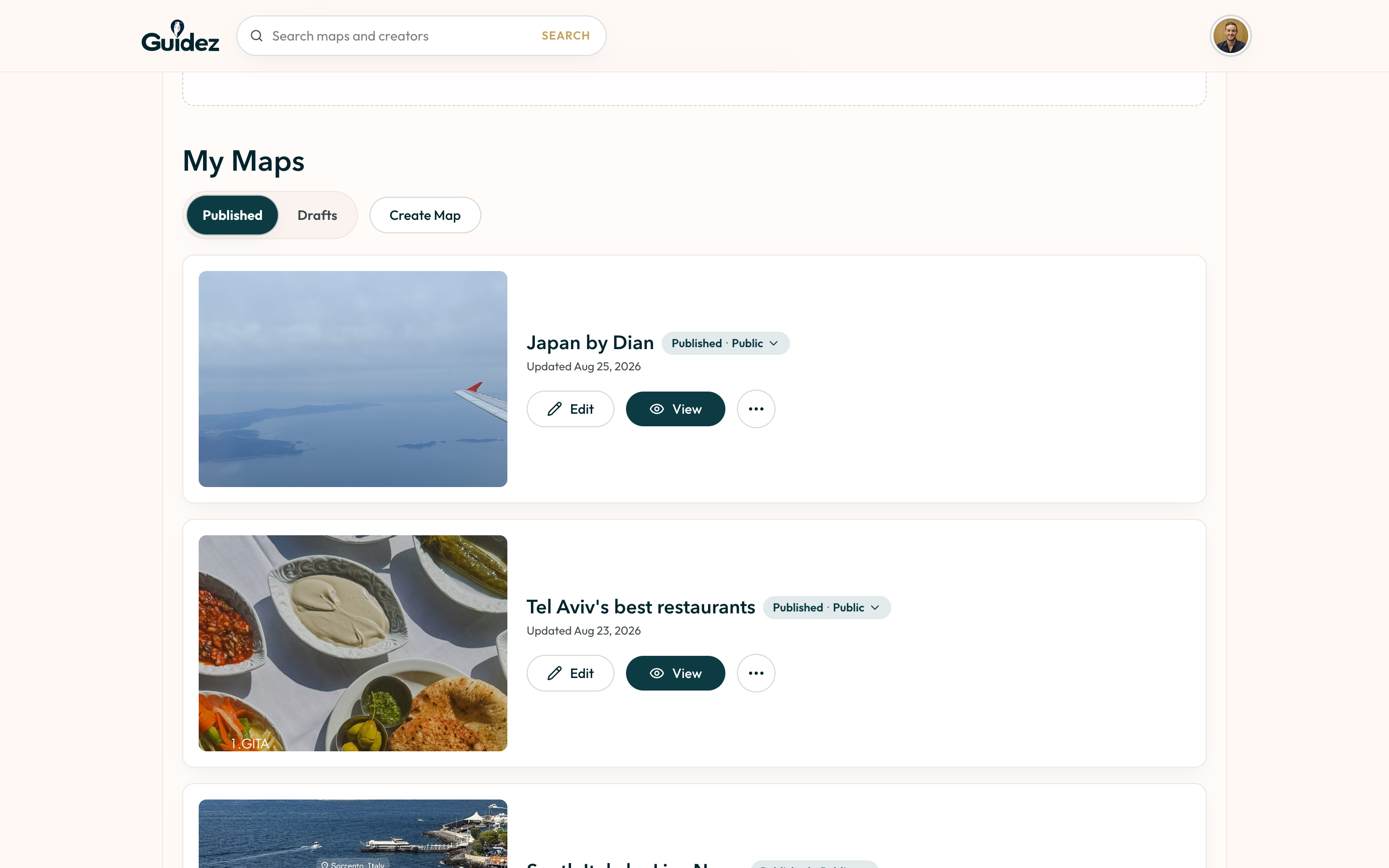
It has three areas.
Your published maps and your drafts, kept separate.
- Published maps have Edit, View, access settings, landing-page actions, copy link, delete, and a reversible unpublish.
- Drafts have Edit, Publish, and permanent delete.
See Publishing and selling maps.
The Linkify workspace: create affiliate links, filter your library, and see link analytics.
Analytics
Section titled “Analytics”Views, sales, and where your traffic comes from. See Reading your analytics.
Developer API
Section titled “Developer API”API keys for your website’s server, so it can show your maps and their sales. See Developer API.
Your profile
Section titled “Your profile”The portal also edits your public identity: profile photo, bio, and social links. This is what travelers see on your shop page.