

Saving places and maps
Save a place
Section titled “Save a place”Tap the bookmark on any place, on a pin, a place card, a Feed card, or a search result. In Guidez a bookmark always means save. A heart is only for liking a creator’s post.
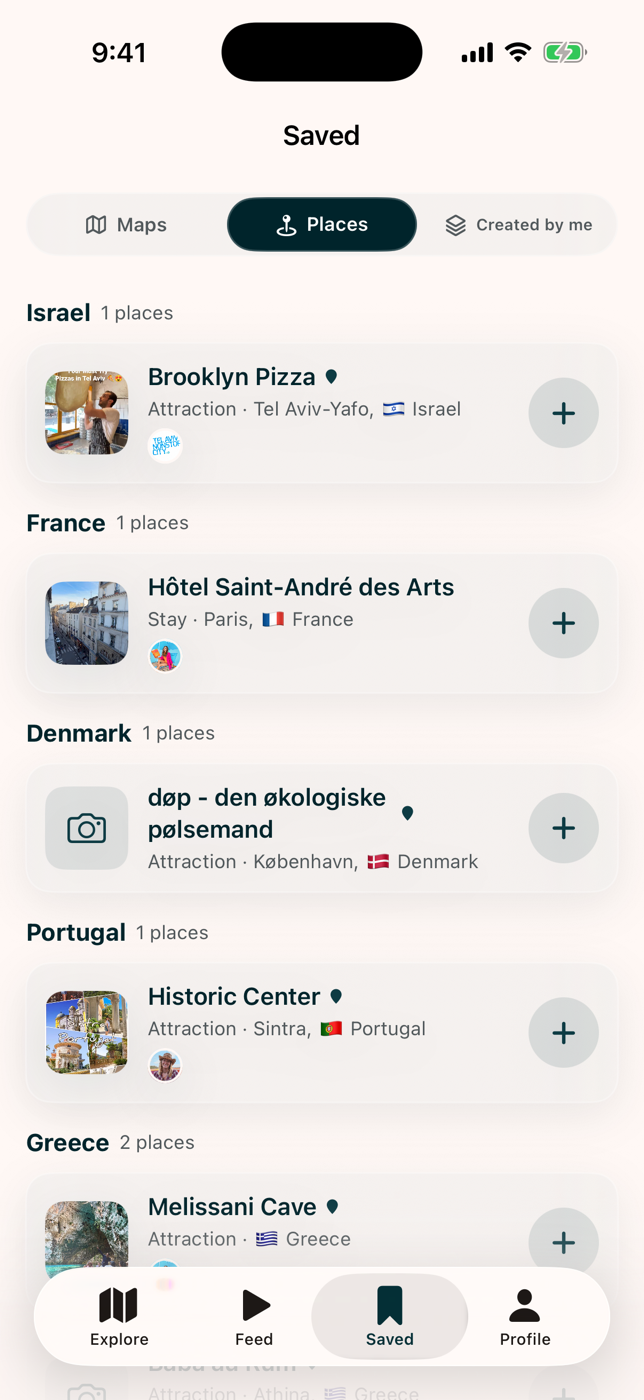
Saved places live in the Saved tab.
Save a map
Section titled “Save a map”Opening or getting access to a map adds it to your library.
- Mobile: the Saved tab, then Maps. You can filter by continent, country, or creator.
- Web: your Profile page, under Saved maps and My maps.
Mark places visited
Section titled “Mark places visited”Inside a map on the mobile apps, use Mark as visited on a place. This drives the completion ring and the “unvisited only” filter. See Using a creator’s map.