

Affiliate links with Linkify
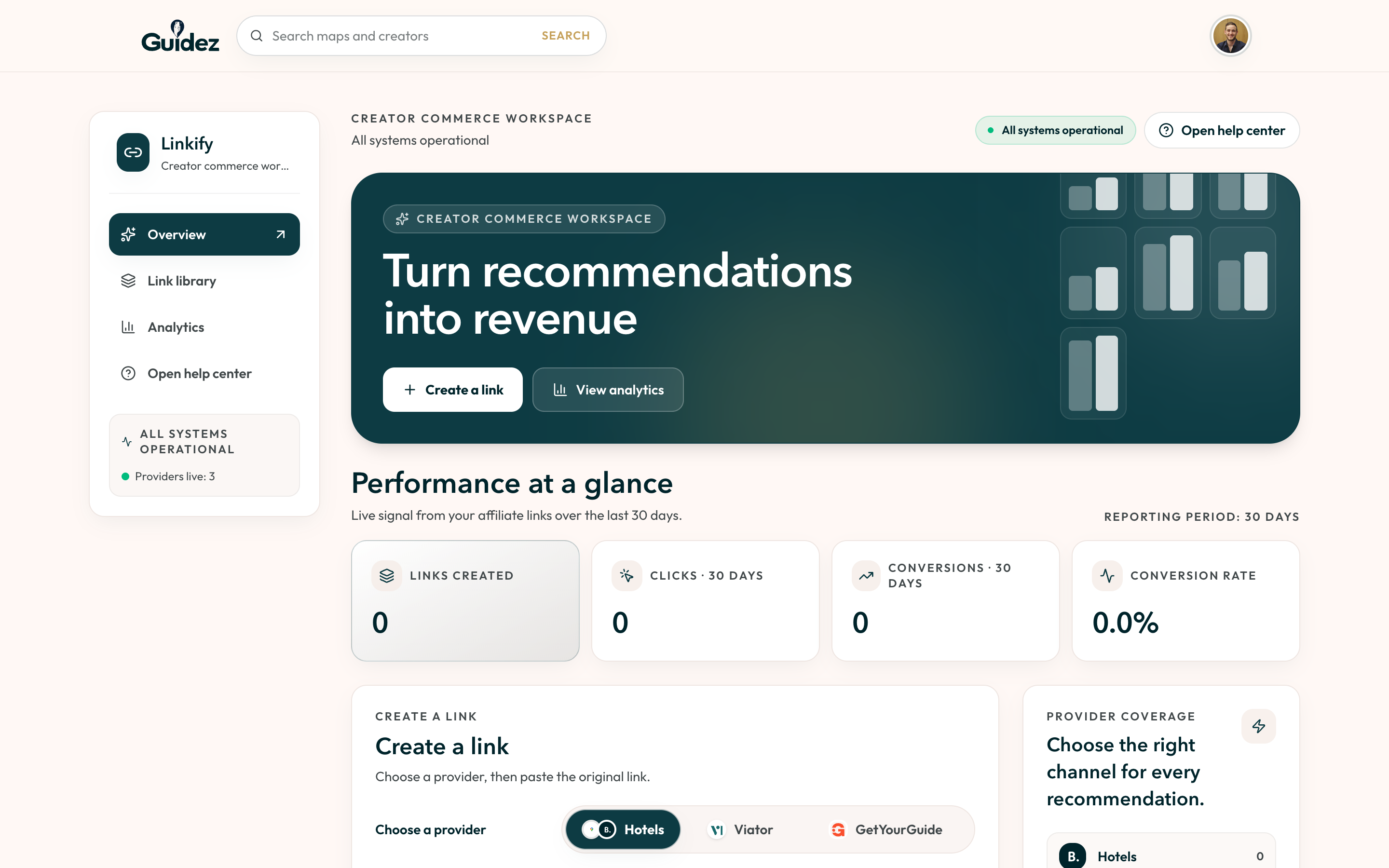
Linkify turns a normal booking URL into an affiliate link that credits you. Open it from the profile menu on the web, or the Links tab in the Creator Portal.
Supported providers
Section titled “Supported providers”| Provider | What you paste |
|---|---|
| Google Maps | A Google Maps place URL |
| Booking.com | A hotel page URL, not a search or city page |
| Viator | A tour or activity URL, such as a /tours/.../d123-456 page |
| GetYourGuide | An activity URL that includes a product code like -t123 |
Create a link
Section titled “Create a link”- Open the tab for the provider you want.
- Paste the source URL.
- Select Create link.
- Copy your affiliate link when it appears.
Linkify checks the URL matches the tab. If you paste a Viator link on the Google Maps tab, it tells you to switch tabs. If a Booking.com URL is a search page rather than a hotel, it asks for the hotel page.
Your link library
Section titled “Your link library”The library is for finding and copying links you already made. Filter by provider and copy with one action. Create new links from the overview, not the library.
The workspace
Section titled “The workspace”The Linkify workspace also shows a dashboard snapshot, link analytics, which providers you have covered, and a help center.
Links on your maps
Section titled “Links on your maps”You can also attach affiliate links directly to a place in the map editor. Your own existing affiliate links are kept; Guidez does not replace them.