

Sharing and messages
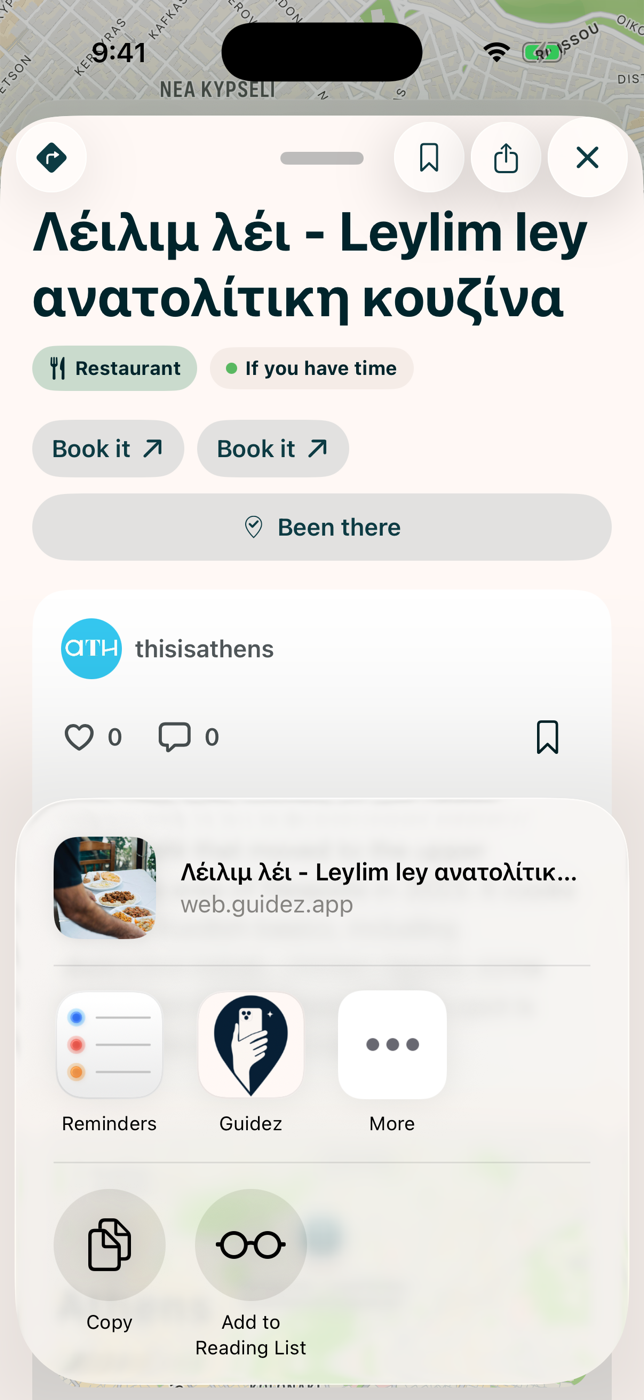
Share a place, map, or list
Section titled “Share a place, map, or list”Every share action offers two paths:
- Send as a message opens a conversation picker inside Guidez.
- Share externally opens your phone’s share sheet.
External sharing uses a real web link when the map has a public page. Personal maps you made have no public page, so they share as a plain-text summary.
Direct messages
Section titled “Direct messages”Guidez has an inbox, reachable from Profile, then Messages, and from a Message button on creator pages.
- The inbox shows each conversation with an unread badge. Swipe to delete a conversation for yourself only.
- A thread groups messages by sender with day separators. A failed message can be tapped to retry.