

A tour of Guidez
On mobile
Section titled “On mobile”The iOS and Android apps have four tabs.
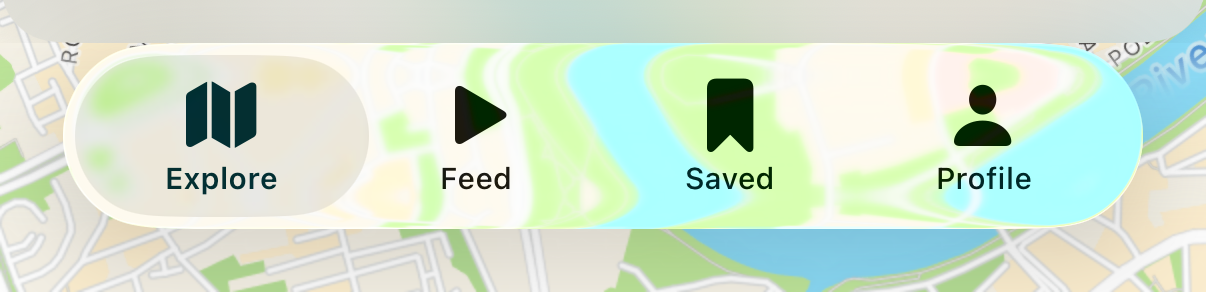
- Explore is a map of real places creators recommend near you. It works without an account. Switch it between a live nearby map and a browse-by-country view.
- Feed is a full-screen vertical scroll of individual places over the creator’s own photo or video. Switch between what is around you and what is around the world.
- Saved is your library: maps you saved or bought, places you bookmarked, and maps you made yourself.
- Profile holds your account, settings, appearance and language, messages, and the creator sign-up link.
The app opens on the Feed the first time you launch it.
On the web
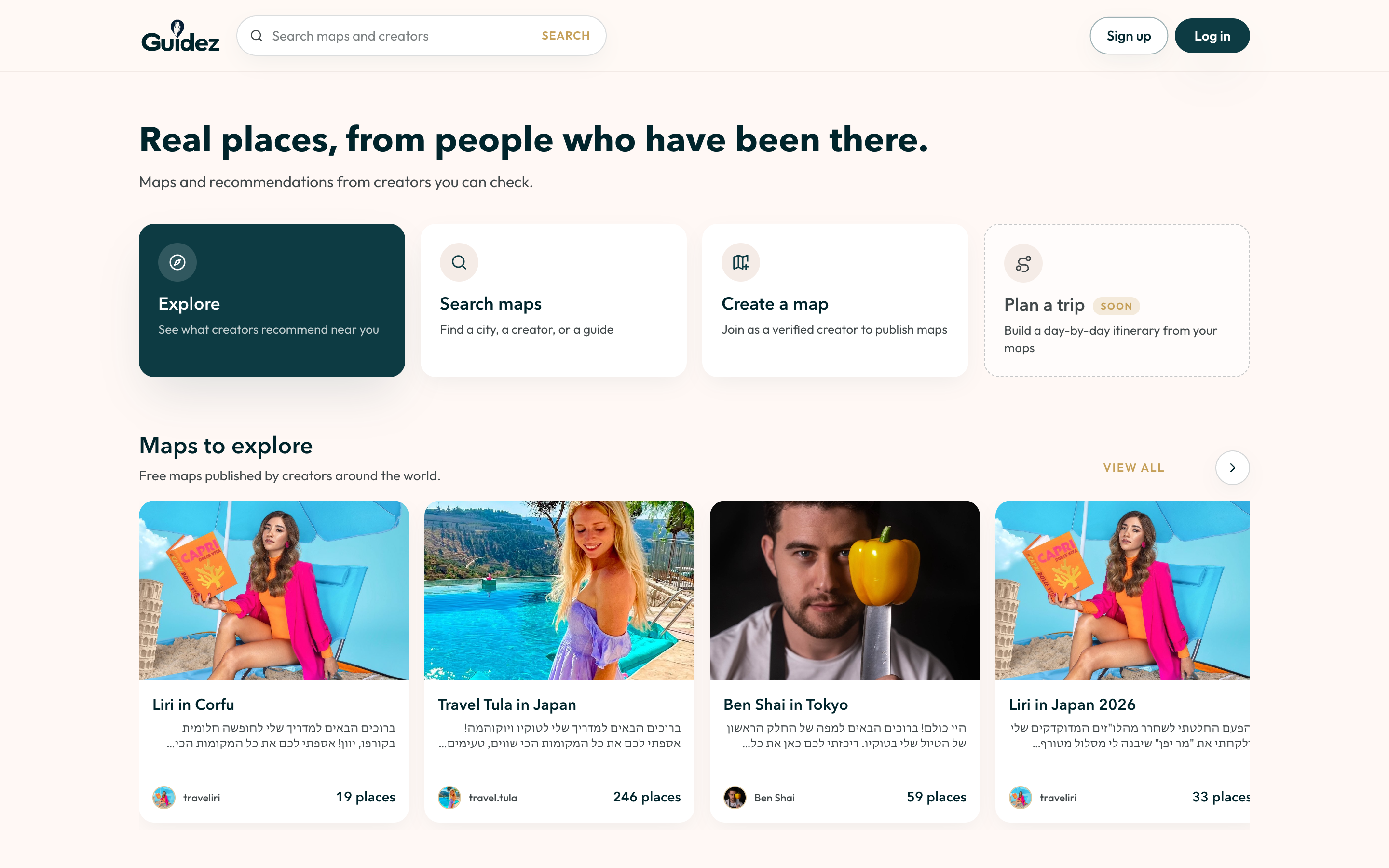
Section titled “On the web”The web app at web.guidez.app is focused on discovering maps and, for creators, building and selling them. The home page has a few entry points: Explore, Search maps, Create a map, and Plan a trip.
The header has Sign up and Log in. Everything else on the home page works without an account.
A profile menu holds your public profile, appearance, language, and log out. Maps you bought or saved are on your Profile page. Verified creators lead with the Creator portal and also get Linkify.
Saving individual places, the Feed, directions, personal maps, following creators, and trip planning are on the mobile apps. See Platform differences.
Light and dark
Section titled “Light and dark”Guidez follows your system appearance and offers a manual System, Light, or Dark switch. On the web it is in the profile menu. On mobile it is in Profile, then Settings, then Appearance.