

Getting a creator's map
Every map on Guidez is either free or priced by its creator.
Free maps
Section titled “Free maps”Open the creator’s page or find the map in Explore or search, then open it. Free maps need no checkout. Sign in if you want it saved to your library.
Paid maps
Section titled “Paid maps”A paid map has a landing page first: a cover, what is inside, sample places, and a price.
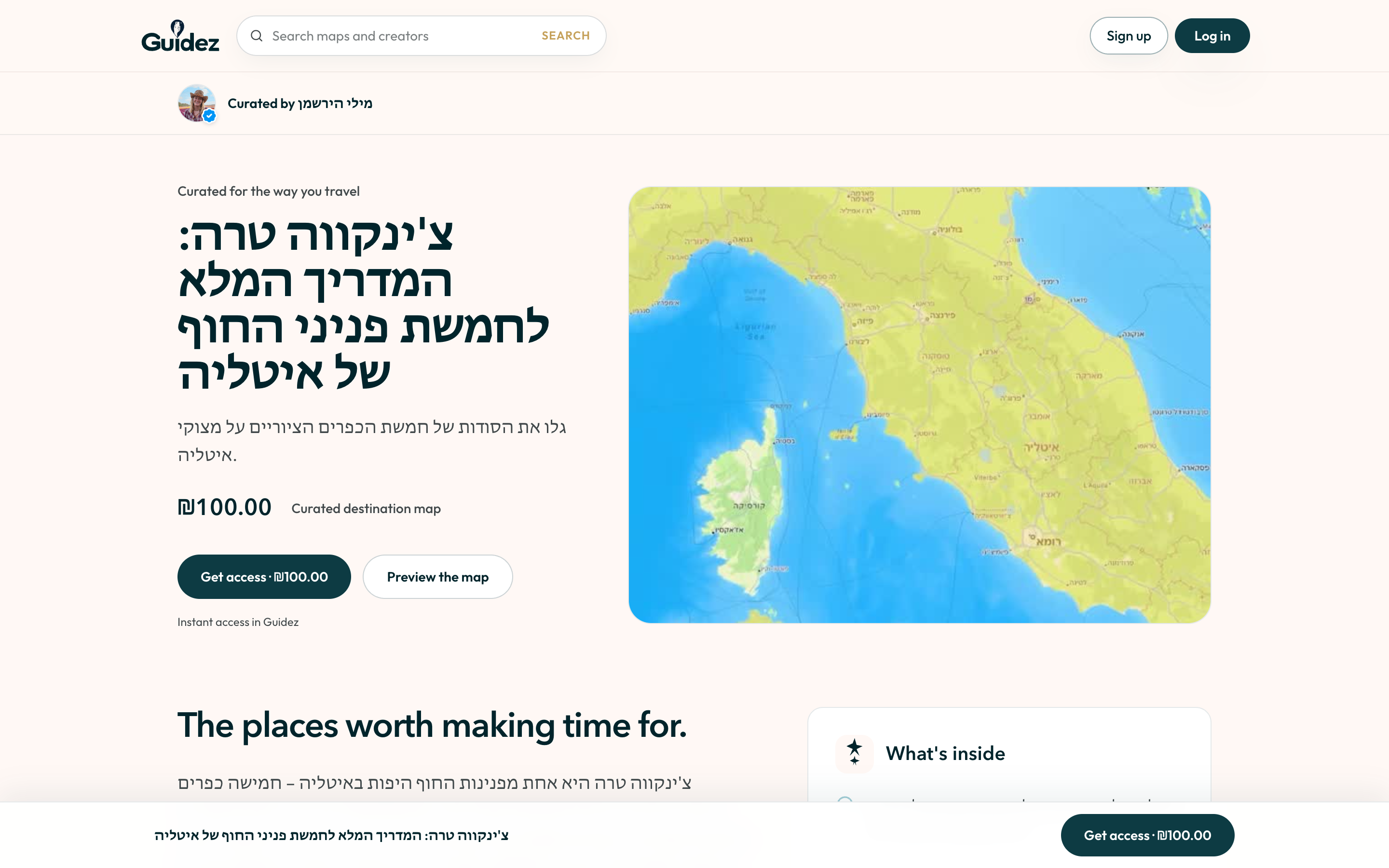
- Open the landing page.
- Select Get access.
- Sign in if you are not already.
- Enter your name for the receipt and complete payment.
- The map is added to your account and opens.
A map someone shared with you
Section titled “A map someone shared with you”A Guidez map link opens the landing page or, if it is a free map, the map itself. You do not need the app. Sign in to keep it.
Where your maps live
Section titled “Where your maps live”- Web: your Profile page, under Saved maps and My maps.
- Mobile: the Saved tab, under Maps.
See Using a creator’s map for what you can do once it is open.