

Your creator profile and shop page
Edit your profile
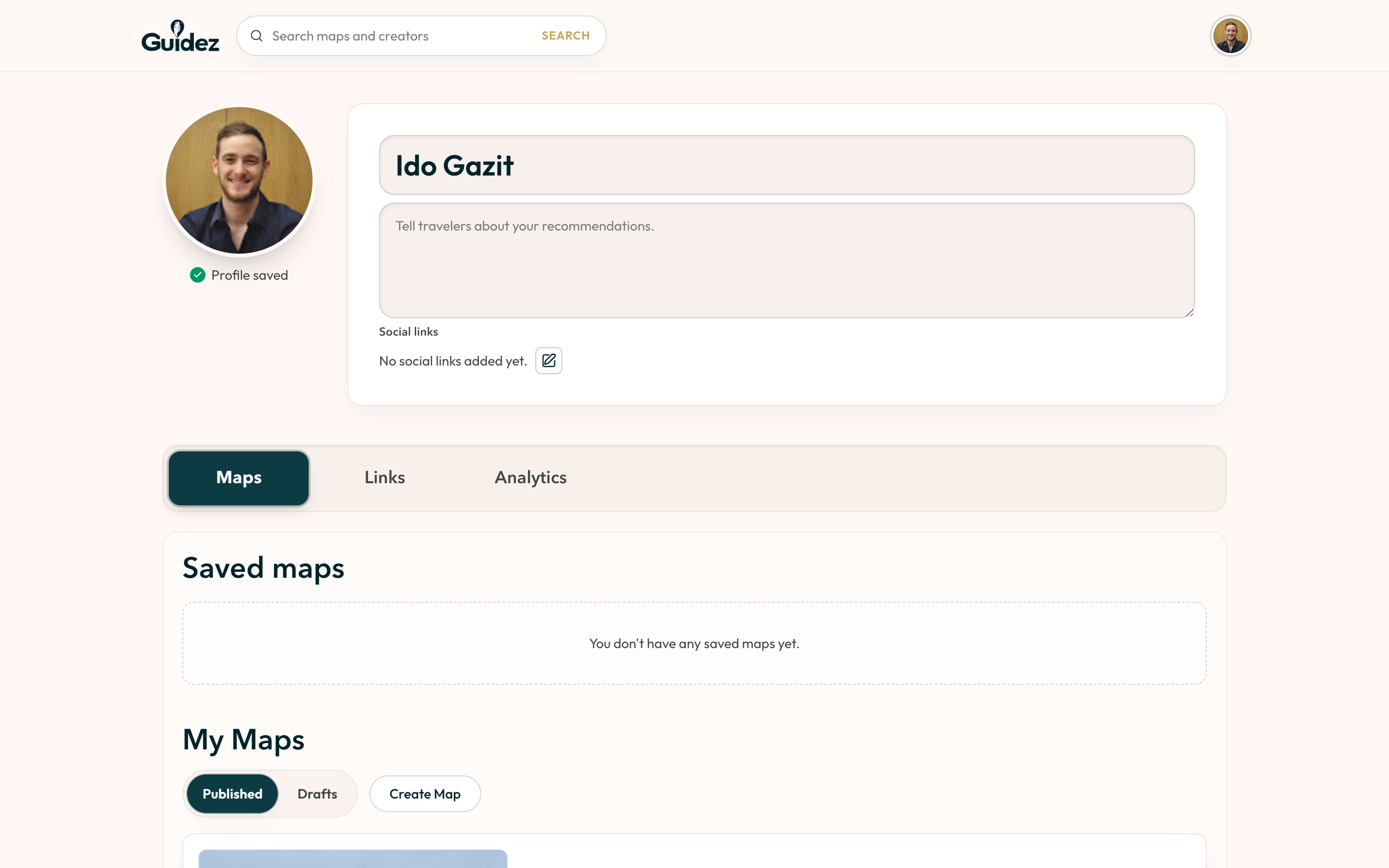
Section titled “Edit your profile”In the Creator Portal, open your profile section and set:
- Profile photo
- Bio
- Social links. Up to three show on your public page, with platform logos and follower counts. Add Instagram, TikTok, YouTube, and others.
Your shop page
Section titled “Your shop page”Your public page lives at web.guidez.app/shop/your-handle. It shows:
- Your cover photo, avatar, bio, and the Verified creator badge.
- Your social links, sorted by follower count.
- Every map you have published, with a search box for travelers.
- Your “trusted by” count.
Share this link anywhere you point your audience.